

As you all know the default one looks like this:

Follow the below steps to configure it the way you want:
- Login to PRISM UI
- Click the gear icon in the top right corner and click UI Settings:

- That will bring you to the below screen and if you hover over the UI word in the top left corner and press the alt/option key on your MacBook or alt key on your Windows PC keyboard and click your touchpad once the screen will change from:

to the following screen where you can change Theme, Title Text and Blurb Text: - Hover over the UI word in the top left corner and press the alt/option key on your MacBook and click your touchpad once. The will change the screen from
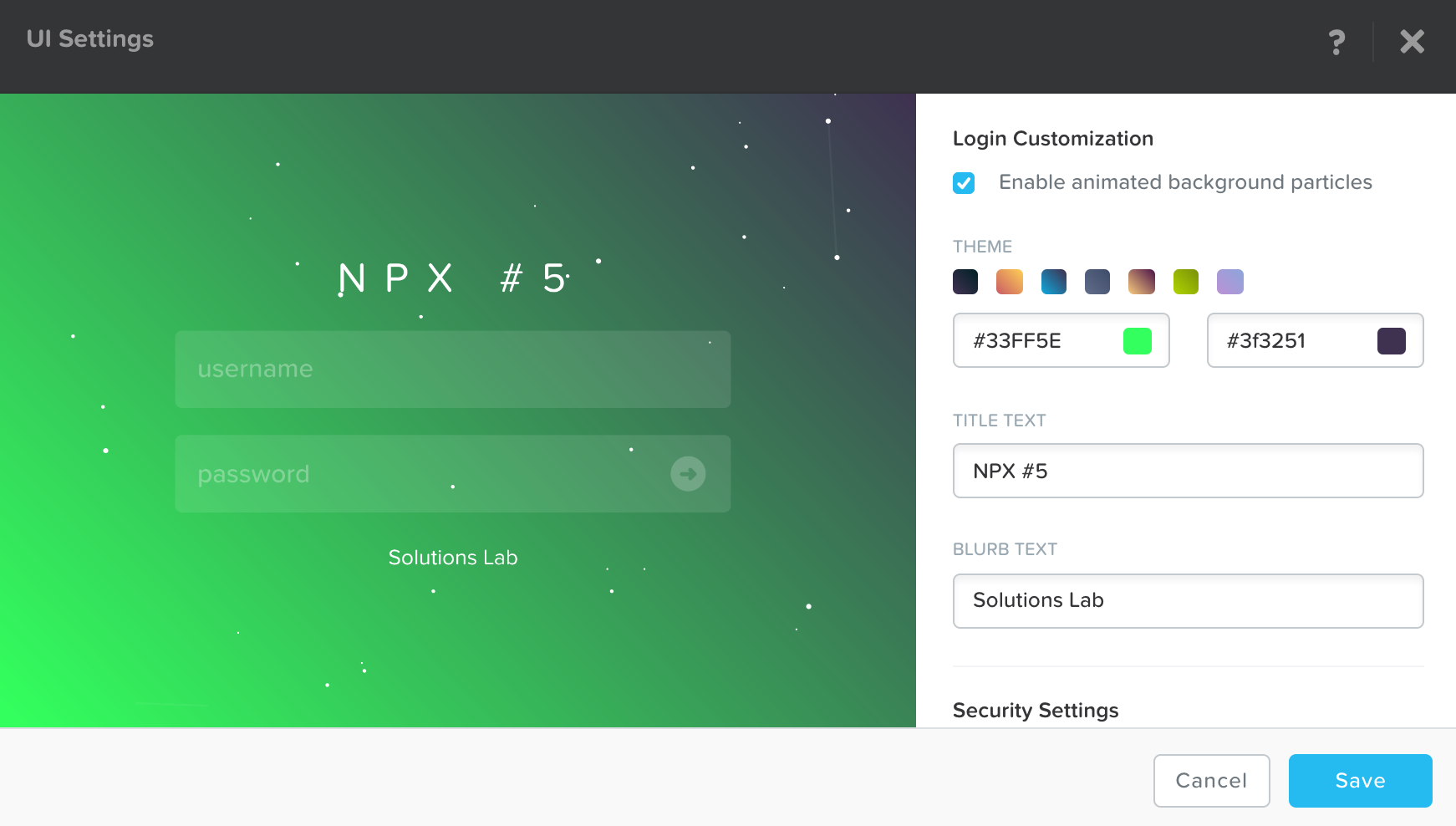
Pretty easy, right.
9 pings
Skip to comment form ↓